HoverTTS - Hear The Game!


HoverTTS (v1.4)
Hear the game. Play with confidence.
HoverTTS is an accessibility-focused World of Warcraft addon that reads important UI and chat content out loud using WoW’s built-in Text-to-Speech. It is designed for low-vision players, multitaskers, and anyone who wants spoken feedback while playing.
What it does
HoverTTS reads game information from multiple sources:
Tooltip Reader
Reads tooltip content when you hover items, units, and spells
Includes advanced filter controls so you can silence specific tooltip lines you don’t care about
Menu Button Reader
Reads hovered menu/interface buttons and common UI controls
Supports dynamic Blizzard frames and close buttons
Chat Reader
Reads selected chat channels with smart filtering options
Supports loot message controls, including loot roll announcements
Quest Info Reader
Reads quest details/objectives when selecting quests
Includes per-quest speed and selective text options
New in v1.4
New Feature: “Who Needed?”
You can now enable loot roll announcements in Chat Reader:
Read loot roll outcomes when group members roll
Choose All Rolls or Need Rolls Only
Includes player choice callouts and improved item-name handling when available
Chat Priority System
Chat speech now has priority over other spoken modules to reduce interruptions from tooltip/menu events.
Bug Fixes / Improvements
Multiple quality-of-life improvements and stability updates across readers and UI behavior.
Accessibility Focus
HoverTTS is built to reduce visual dependency and improve game awareness through spoken feedback.
Key accessibility features include:
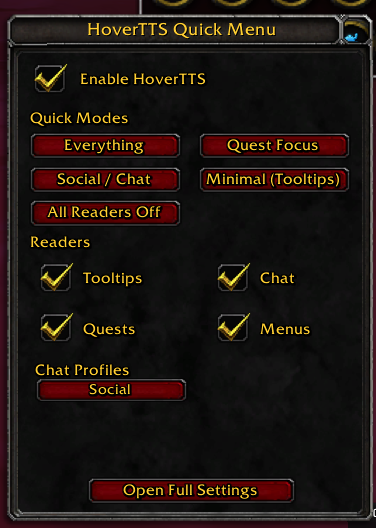
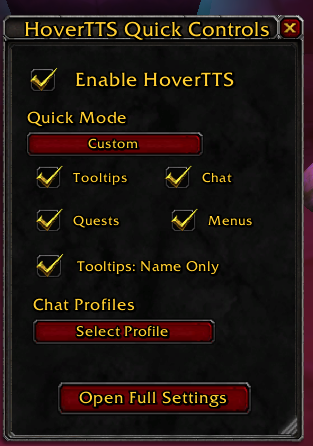
Separate module toggles (Tooltip / Chat / Quest / Menu)
Adjustable speech speed and volume
Voice selection from WoW TTS voices
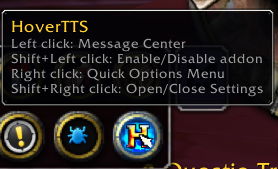
Optional minimap quick controls
“Speak Section Help” buttons in settings groups for guided setup
Chat Reader Highlights
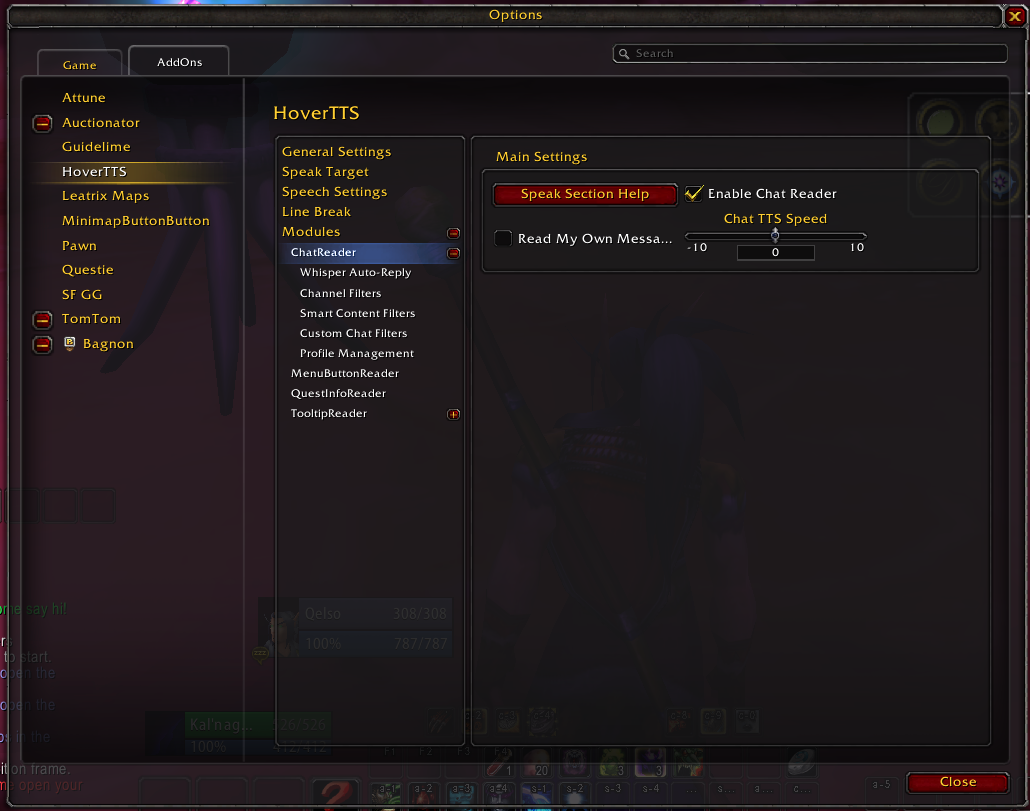
Channel-by-channel control (guild, party, raid, whisper, say/yell, trade/general, system, NPC, etc.)
Smart filters for links, ads, duplicates, short spam, ALL CAPS
Custom whole-word text filters
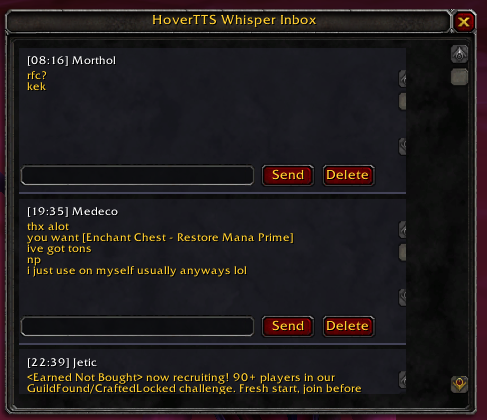
Optional whisper auto-reply accessibility notices
Loot-specific controls:
Read My Loot
Read Their Loot
Read Money Loot
Read Loot Rolls (Need/Greed)
Loot Roll Read Mode: All Rolls / Need Rolls Only
Profile system for saving and switching filter setups
Tooltip Reader Highlights
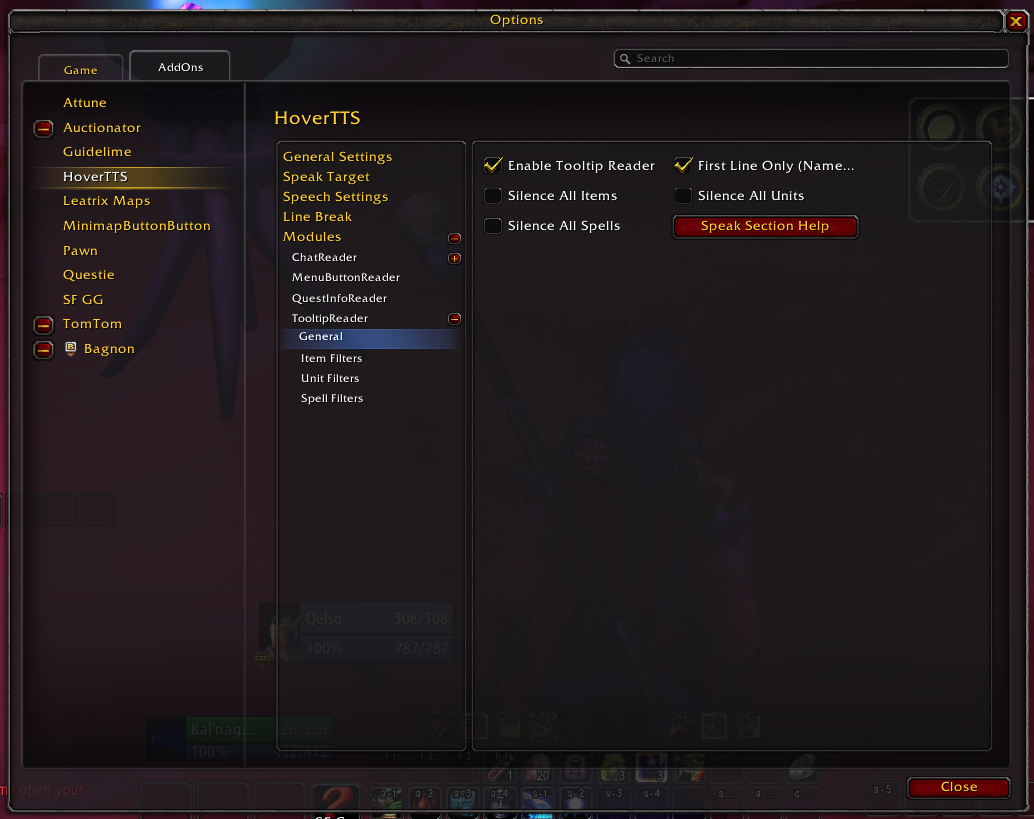
Fine-grained filter controls for:
Item lines (stats, requirements, effects, set info, flavor, durability, sell price, etc.)
Unit lines (title, level, classification, health/mana, faction, type, guild, location)
Spell lines (cast time, cooldown, range, resource cost, description, reagents)
Optional first-line-only mode
Global silence toggles for entire tooltip categories (items/units/spells)
Optional full silence for player-controlled pets
Quest Info Reader Highlights
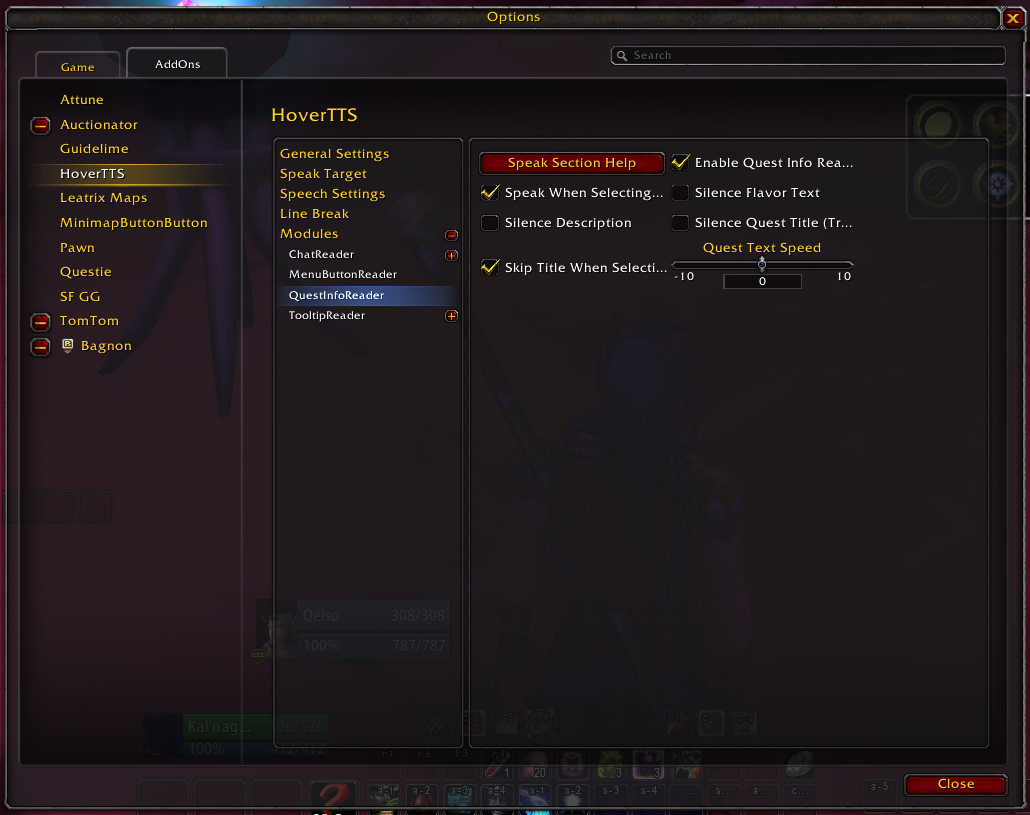
Reads selected quest text/details
Toggle what to speak:
quest title
flavor/lore
description/objectives
Separate quest text speed option
Tracker reading improvements for better objective awareness
Menu Button Reader Highlights
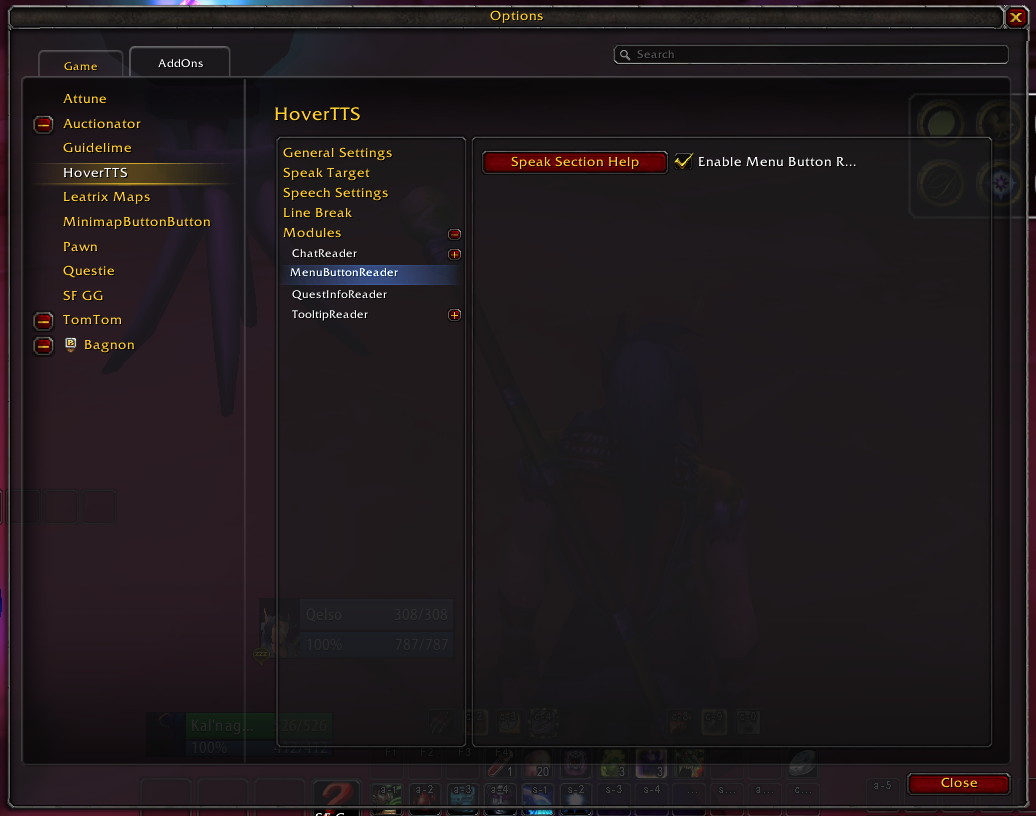
Reads many Blizzard menu and frame buttons on hover
Dynamic hook/rescan behavior for lazy-loaded UI
Designed to improve navigation of menus/settings/profession/trainer interfaces
Setup
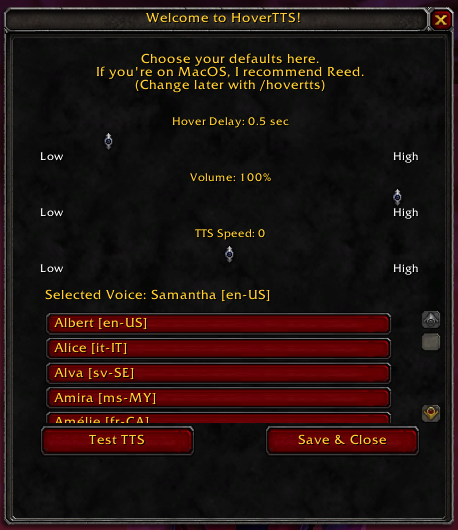
Install and enable HoverTTS.
In WoW, make sure Text-to-Speech is available in Accessibility settings.
Open HoverTTS settings and configure:
Global voice/speed/volume
Module toggles
Chat channels + filters
(Optional) Use the minimap quick menu for fast switching while playing.
Commands
/hovertts – open addon settings
/hoverttssplash - Shows splash screen
Notes
HoverTTS uses WoW’s built-in TTS system and available voices.
Behavior can vary slightly by game branch/client.
If you use many addons that heavily alter Blizzard UI, some hover/read timing can depend on frame load order.
Feedback / Support
If something does not read correctly, or reads too much/too little, please share:
your game version (Retail / Classic variant)
what UI element/chat line was involved
what you expected vs what happened
That helps quickly tune filters and improve compatibility.